Fix "Ensure text remains visible during webfont load" in Lighthouse
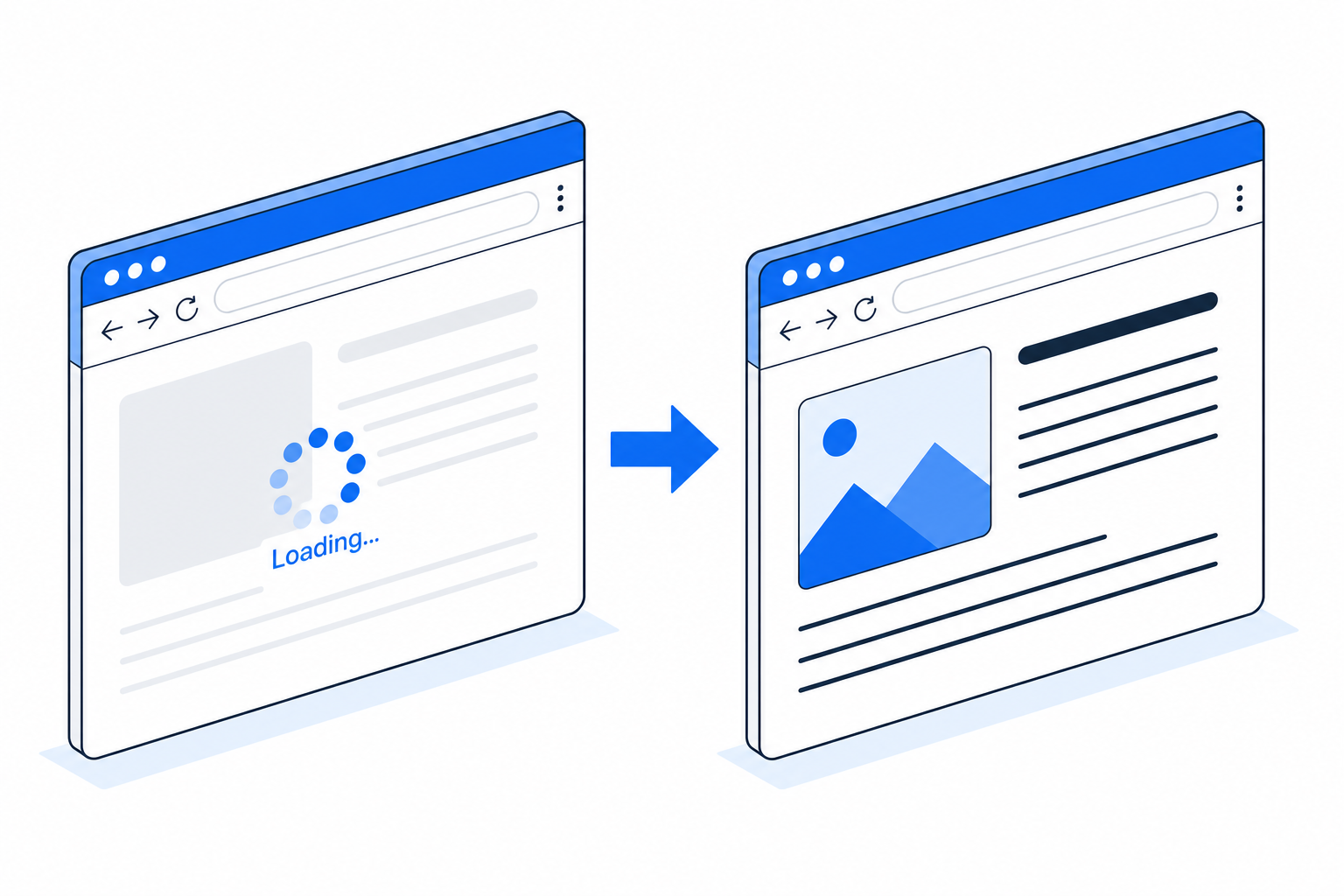
Open Chrome DevTools, run a Lighthouse audit, and there's a 50% chance you'll see this warning:
> Ensure text remains visible during webfont load
It's one of the easier wins in a Lighthouse audit. The fix is one CSS property. The trick is picking the right value, because all three of swap, optional, and fallback pass the audit but they behave very differently in production.
What Lighthouse is actually measuring
The audit checks every @font-face rule in your loaded CSS. If any of them is missing font-display (or has font-display: block), the warning fires.
The reason: without font-display, the browser default in Chromium-based browsers (Chrome, Edge, Brave, Arc) is to hide all text using that font for up to 3 seconds while the WOFF2 downloads. Visitors see a blank space where their headline should be. This kills First Contentful Paint, hurts Largest Contentful Paint, and leaves you with an invisible-text problem on slow connections.
Firefox is more forgiving (it shows fallback after 3 seconds and swaps), but Chromium is the dominant browser and Lighthouse is the dominant audit tool.
The one-line fix
Add font-display: swap to every @font-face:
@font-face {
  font-family: 'Inter';
  src: url('/fonts/inter-variable.woff2') format('woff2');
  font-weight: 100 900;
  font-display: swap;  /* ADD THIS */
}
That passes the audit. Visitors see fallback text immediately, real font swaps in when ready, no more invisible text.
The trade-off you just made
With font-display: swap, your visitors see fallback text first, then a visible flicker as the real font swaps in. On slow connections, that flicker can happen 2-3 seconds in, after the visitor has started reading. It's annoying.
Welcome to FOUT (Flash of Unstyled Text). You traded FOIT (Flash of Invisible Text) for FOUT. FOUT is better in 95% of cases, but the swap moment is a real UX cost.
Eliminating the swap (the real fix)
The pro move is font-display: swap PLUS a custom fallback @font-face that matches your web font's metrics:
/* Your real web font */
@font-face {
  font-family: 'Inter';
  src: url('/fonts/inter-variable.woff2') format('woff2');
  font-weight: 100 900;
  font-display: swap;
}

/* A fallback that mimics Inter's metrics using a system font */
@font-face {
  font-family: 'Inter Fallback';
  src: local('Arial');
  size-adjust: 107%;
  ascent-override: 90%;
  descent-override: 22%;
  line-gap-override: 0%;
}

body {
  font-family: 'Inter', 'Inter Fallback', system-ui, sans-serif;
}
What happens:
1. Browser starts page render, looks up Inter, doesn't have it yet. 2. Falls through to 'Inter Fallback', which uses the local Arial glyphs but stretches them so each line is the same width Inter would render. 3. Real Inter arrives, swaps in. Because the fallback already had Inter's exact metrics, NOTHING SHIFTS. The swap is invisible.
This is what Vercel does for Geist on vercel.com. What Linear does for Inter Display. What everyone else should be doing.
The size-adjust and *-override values are font-specific. There's a tool at fontsource that generates them automatically, or you can derive them by comparing the two fonts' OS/2 tables.
When swap is the right answer
- Marketing pages where speed-to-first-content matters more than perfect typography
- Sites with strong fallback design (your CSS works fine if the web font never loads)
- Above-the-fold headlines where users will read regardless of font swap
When optional is better than swap
font-display: optional is the underrated cousin. It gives the browser ~100ms to use the web font OR fall back forever for this pageview, never swap.
@font-face {
  font-family: 'Inter';
  src: url('/fonts/inter-variable.woff2') format('woff2');
  font-weight: 100 900;
  font-display: optional;
}
This ALSO passes the Lighthouse audit. The trade-off:
- On warm caches and fast networks: web font wins the 100ms race, you get the real font with zero swap.
- On slow connections / first visit: visitor sees fallback only, web font caches in the background for next time.
Pair optional with <link rel="preload"> to almost-always-win the 100ms race even on first visits. See the preload guide for the syntax.
For body-text-heavy content sites where Core Web Vitals score matters, optional + preload outperforms swap because zero swap = perfect CLS score.
When NOT to use optional
If your brand depends on the custom font being there (a luxury fashion site rendering 'Mulberry' in Didone, or a Japanese site rendering everything in Noto Serif JP because system Japanese fonts look bad), optional will sometimes show fallback only. That breaks the brand experience.
Use swap instead. Visitors will see the swap moment but they'll always end up on the right font.
What about icon fonts (Font Awesome, Material Symbols)?
Icon fonts are the one place where font-display: block is correct.
For icon fonts, every glyph is a meaningful symbol. If your fallback renders an f where Material Symbols would render a hamburger menu, that's worse than rendering nothing for 3 seconds. block says "hide for up to 3 seconds, then show fallback if still loading".
@font-face {
  font-family: 'Material Symbols Outlined';
  src: url('/fonts/material-symbols.woff2') format('woff2');
  font-display: block;
}
Lighthouse will warn about this. The warning is wrong for icon fonts. You can ignore it.
Better long-term: stop using icon fonts entirely. Inline SVG icons render instantly with no font dependency.
Quick recap
1. The Lighthouse warning means your @font-face is missing font-display (or set to block) 2. font-display: swap is the one-line fix that always passes 3. Pair swap with a metric-matched @font-face fallback to eliminate the visible swap 4. optional + preload is the best score for content sites where Core Web Vitals matter 5. block is correct only for icon fonts. Ignore the warning there. 6. Self-hosted WOFF2 fonts are tiny enough that with preload, the swap window is invisible
Drop the right font-display value into your CSS, re-run Lighthouse, watch the warning disappear and (if you've added the metric-matched fallback) your CLS score get a meaningful boost.
Frequently asked
What does this Lighthouse warning actually mean?
Your @font-face declarations don't include font-display, so the browser uses its default (block in Chromium, which hides text for up to 3 seconds). Lighthouse flags this because it hurts every Core Web Vitals metric except CLS.
Which font-display value gets the green checkmark?
swap, optional, fallback all pass. block does not. auto passes only sometimes (browser-dependent). The safest fix is font-display: swap on every @font-face block.
Can I just delete the @font-face and use a system font?
Yes, and that's the absolute fastest fix. If your design works with -apple-system, Segoe UI, sans-serif, you avoid the entire web-font category of problems. Most sites can't because brand identity needs the custom font.
Will font-display: swap cause layout shift?
It can, when the fallback font has different metrics than the web font. Pair font-display: swap with size-adjust + ascent-override on a fallback @font-face to match the metrics. Result: invisible swap, zero CLS.