How to Compress Fonts to WOFF2: A Practical Guide
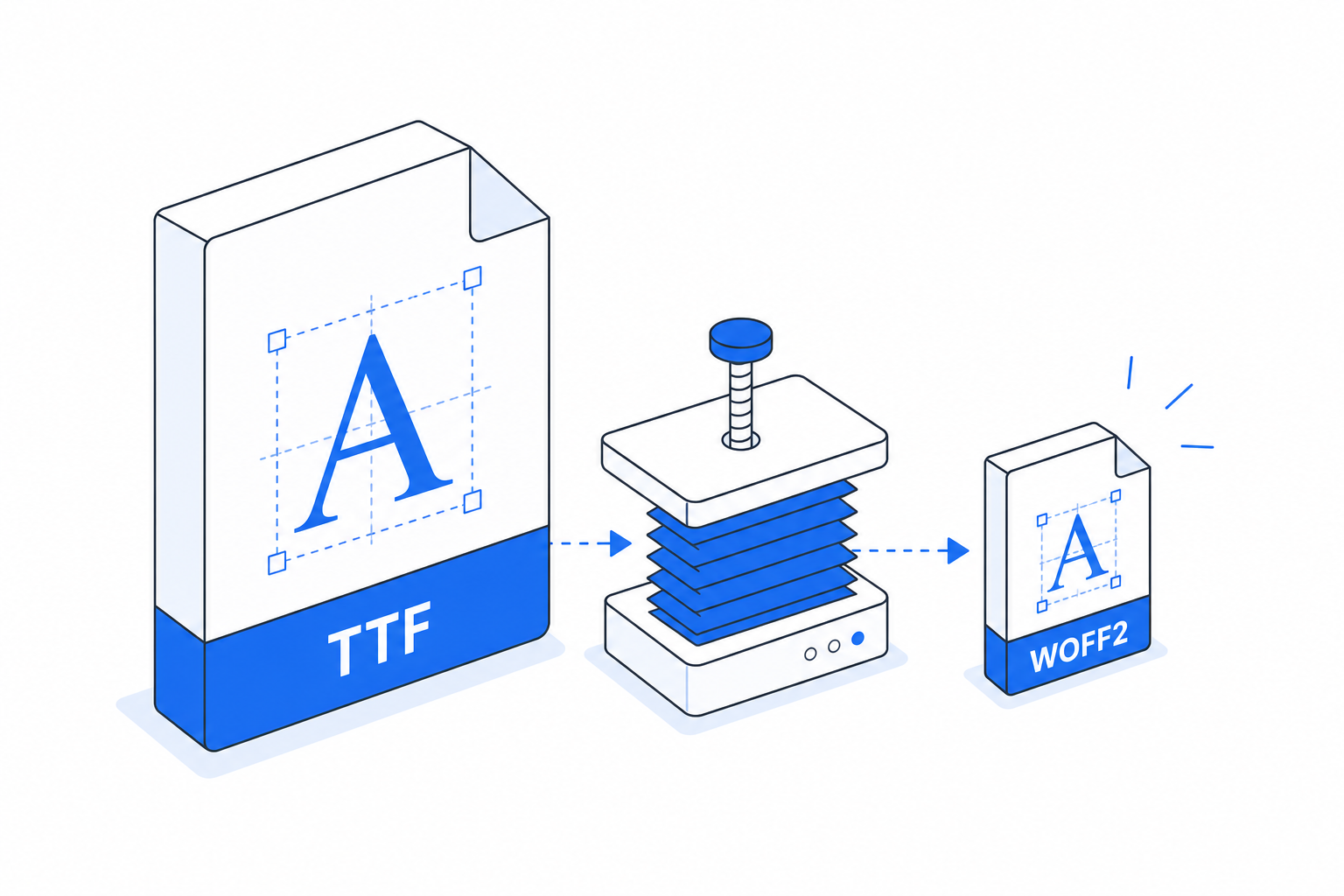
WOFF2 is the most efficient font format on the web right now. Compared to TTF or OTF, it typically sheds 20-30% of file weight, and every major browser has supported it since 2016. If you are still serving raw TTF files, you are shipping dead weight to every visitor.
This guide covers the practical ways to get your fonts into WOFF2, from quick one-off conversions to automated build steps.
Why WOFF2 Specifically
WOFF2 uses Brotli compression internally, which is why it beats the older WOFF format (which uses zlib). The Brotli gains are most visible on fonts with lots of Latin glyphs or large CJK character sets. A font like Inter, one of the most-used UI typefaces in 2026, drops from roughly 370 KB (variable TTF) to around 260 KB in WOFF2. That is 30% gone before you even think about subsetting.
Subsetting is a separate step and it stacks. You can subset first, then convert to WOFF2, and the combined saving often exceeds 80% of the original file.
Method 1: fonttools on the Command Line
fonttools is the gold standard for this. It is a Python library that ships with a fonttools CLI and, separately, a woff2 compression command via the brotli package.
Install both:
pip install fonttools brotliThen convert a TTF:
fonttools ttLib.woff2 compress MyFont.ttfThis produces MyFont.woff2 in the same directory. That is it. The command respects existing hinting tables and does not mangle the file.
If you want to strip hinting before compressing (hinting matters less on modern high-DPI screens and it adds bytes), chain it:
pyftsubset MyFont.ttf --output-file=MyFont-hinted.ttf --desubroutinize
fonttools ttLib.woff2 compress MyFont-hinted.ttf
For variable fonts, the same command works. WOFF2 fully supports OpenType variable font tables.
Method 2: The woff2 Reference Encoder
Google maintains a C++ WOFF2 encoder at github.com/google/woff2. It is faster than the Python path for batch jobs and produces byte-identical output. You compile it once:
git clone --recursive https://github.com/google/woff2.git
cd woff2
make clean all
Then:
./woff2_compress MyFont.ttfIf you are running a CI pipeline that converts hundreds of fonts on every release, this is the tool to use. The Python path is fine for occasional use.
Method 3: Online Converters (When You Just Need One File)
Sometimes you have a single OTF from a type foundry and you need WOFF2 by end of day. Online converters are fine for that. FontCompressor handles this directly. You upload the TTF or OTF, pick WOFF2 as the output, and download the result. No install, no environment setup.
The tradeoff is you are uploading a font file to a third-party server. For proprietary or licensed typefaces, check the license first. Most web font licenses permit format conversion for personal use, but commercial redistribution of converted files is often restricted.
Method 4: Build Pipeline Integration
For projects that already use Node.js tooling, the ttf2woff2 npm package wraps the Google encoder:
npm install --save-dev ttf2woff2const ttf2woff2 = require('ttf2woff2');
const fs = require('fs');
const input = fs.readFileSync('MyFont.ttf');
fs.writeFileSync('MyFont.woff2', ttf2woff2(input));Drop this into a Gulp or custom Node script and it runs on every build. Useful when designers are dropping updated TTF files into a src/fonts directory and you want the WOFF2 to regenerate automatically.
If you use Webpack, font-loader combined with a custom transform can do the same, though the config overhead is higher than a simple Node script.
Serving WOFF2 Correctly
Conversion alone is not enough if the server delivers the wrong headers. Make sure your HTTP response includes:
Content-Type: font/woff2
Cache-Control: max-age=31536000, immutable
The immutable directive tells browsers not to revalidate the file on revisits, which matters for font files that rarely change. Combine this with a content hash in the filename (e.g., inter.abc123.woff2) and browsers will cache it indefinitely until you deploy a new hash.
Also declare the format in your CSS @font-face rule so browsers do not waste time sniffing the file:
@font-face {
 font-family: 'MyFont';
 src: url('/fonts/MyFont.woff2') format('woff2');
 font-display: swap;
}
Dropping WOFF and TTF fallbacks from that src list is reasonable in 2026. Browser support for WOFF2 is effectively universal.
A Quick Decision Table
- One-off conversion, no install preferred. Use an online tool like FontCompressor.
- Scripting or CI, Python environment available. Use
fonttoolswith thebrotlipackage. - Batch jobs, need maximum speed. Compile and use the Google
woff2C++ encoder. - Node.js build pipeline already in place. Use
ttf2woff2npm package.
One More Thing: Subset Before You Compress
The biggest win on the table is usually subsetting, not compression alone. If your site is English-only and you are loading a font with full Latin Extended, Cyrillic, and Greek glyphs, you are paying for characters your users never see.
pyftsubset (part of fonttools) handles this:
pyftsubset MyFont.ttf \
 --unicodes="U+0000-00FF" \
 --output-file=MyFont-subset.ttf
fonttools ttLib.woff2 compress MyFont-subset.ttf
That U+0000-00FF range covers Basic Latin and Latin-1 Supplement, enough for most Western European languages. The resulting WOFF2 is often a quarter of the original TTF. That is the kind of saving that shows up in Core Web Vitals.
Frequently asked
Is WOFF2 supported in all browsers in 2026?
Yes. WOFF2 support is universal across Chrome, Firefox, Safari, and Edge. You no longer need TTF or WOFF fallbacks for modern browser targets. The only edge case is very old Android WebView versions, which you can safely ignore for most projects.
Can I convert OTF files to WOFF2, or only TTF?
Both work. The fonttools command and the Google woff2 encoder accept OTF (CFF-based) and TTF (TrueType-based) input. The compression ratio may differ slightly depending on the outline format, but the process is the same.
Does converting to WOFF2 affect font rendering or quality?
No. WOFF2 is a lossless compression wrapper around the same OpenType data. The glyph outlines, spacing, and hinting tables are preserved exactly. Rendering is identical to the original TTF or OTF.
Should I subset the font before or after converting to WOFF2?
Subset first, then convert. Subsetting reduces the raw glyph data, and Brotli then compresses the smaller dataset more efficiently. Doing it in the other order technically works but is less efficient because you would need to decompress, subset, and recompress.
How much file size reduction can I realistically expect from WOFF2 compression?
Compression alone typically saves 20-30% compared to TTF. Combining subsetting with WOFF2 compression can reduce a font file by 70-85% or more, depending on how many glyphs you strip and the original file structure.