Best Free Display Fonts for Headlines That Hit
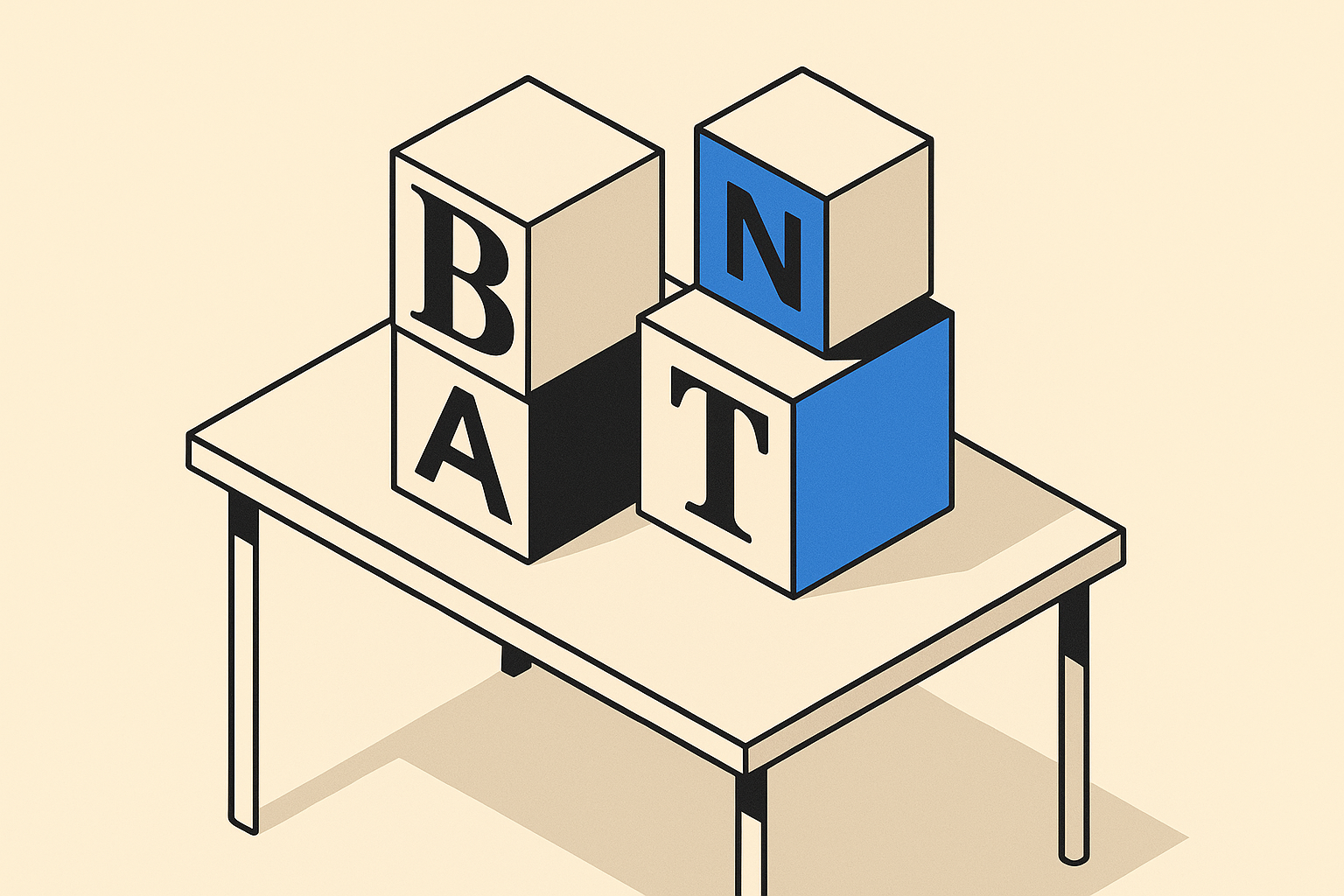
Display fonts are a different category from body text. They exist to stop someone mid-scroll, to make a poster worth reading from across a room, or to give a brand its first strong visual impression. The problem is that most roundups just drop a list of pretty screenshots and call it done. This one does not.
Below are ten free display fonts worth knowing, each with a clear reason to reach for it.
The Condensed Heavyweights
Bebas Neue is the default choice for a reason. It is all-caps, condensed, and almost aggressively tall. Use it when you have a short headline and a narrow column, or when you want that clean industrial look that editorial designers have been running with for a decade. It pairs well with geometric sans body text.
Anton is bolder and wider than Bebas, with more visual weight per character. Where Bebas feels refined, Anton feels loud. That is not a criticism. Pick Anton when the design calls for impact over elegance, think event posters, streetwear graphics, or any context where subtlety would be a mistake.
League Gothic is the condensed gothic revival option. It has more personality than Bebas, slightly irregular ink traps, and a strong historical feel. Good fit for music venues, editorial headlines, and anything where you want the condensed silhouette with a bit of grit.
Fjalla One is the most restrained of this group. It is condensed but not extreme, and it reads clearly at medium sizes. This is the one to reach for when you need a strong header that also has to work at 24px in a web nav or card title.
The Slab and Serif Camp
Alfa Slab One is a single-weight slab serif built entirely around display use. The serifs are enormous, the contrast is dramatic, and it commands attention without needing color or size tricks. It excels in print-inspired web designs, landing page heroes, and food or lifestyle branding.
Abril Fatface takes the Victorian fat face genre and cleans it up for screen. The extreme thick-thin contrast makes it feel luxurious and a little theatrical. Use it for fashion brands, event identity, or any headline that needs elegance over aggression. It does not work at small sizes and should not be asked to.
The Workhorses
Archivo Black is the most versatile font on this list. It is a single-weight grotesque that leans heavy without feeling novelty. It works on the web, in print, and in UI headers. If you need a display font that also cooperates in semi-functional contexts, like a homepage hero that might also appear in a notification, start here.
Russo One has a slightly futuristic, geometric quality without veering into sci-fi cliche. Good for technology products, gaming contexts, and any brand that wants to feel forward-looking but still grounded. It is also one of the better choices for multilingual projects since it has strong Cyrillic support.
The Personality Picks
Righteous is a retro geometric with soft curves and a 1970s flavor. It is charming without being campy, and it works well for food brands, casual apps, and any project that wants warmth without a script font. Use it sparingly: Righteous has a distinct mood and it can overpower a layout quickly.
Lobster is one of the most recognized script display fonts on the internet, for better or worse. It has been overused, which means you should only reach for it when the context genuinely calls for a casual, handwritten energy, think local restaurants, vintage-style labels, or personal projects where personality beats prestige. When it fits, it still fits well.
How to Actually Choose
The practical filter is not aesthetic, it is functional. Ask two questions before picking any display font: what size will this appear at, and how many words will it carry?
Heavy condensed fonts like Bebas and Anton need room to breathe vertically. Fat faces like Abril Fatface and Alfa Slab One need large point sizes to show their contrast. Script fonts like Lobster fall apart at small sizes and in long strings. Workhorses like Archivo Black and Fjalla One are the ones you default to when you are not sure.
A quick at-a-glance breakdown:
- Short, punchy headline, narrow column: Bebas Neue, League Gothic
- Maximum impact, no subtlety needed: Anton
- Elegant and theatrical: Abril Fatface
- Slab with drama: Alfa Slab One
- Works everywhere, no surprises: Archivo Black
- Futuristic, Cyrillic support: Russo One
- Retro warmth: Righteous
- Casual script: Lobster
- Functional condensed for UI: Fjalla One
All ten are available for free under open licenses. None of them require you to compromise on quality to stay in budget.
Frequently asked
Are these display fonts safe to use commercially?
Yes. All ten fonts listed here are released under the SIL Open Font License, which allows free commercial use in web, print, and app projects. Always double-check the license file in the font package before distributing modified versions.
What is the difference between a display font and a heading font?
The distinction is mostly about scale. Display fonts are designed for large sizes, typically 36px and above, where detail and personality read well. Heading fonts can sometimes double as body text at smaller weights. Most of the fonts here are purpose-built for display and will look rough or lose their character at small sizes.
How many display fonts should I use in one project?
One is usually enough. Two is acceptable if one is a script or decorative accent and the other is a clean sans or slab. Using three or more display fonts in a single project almost always creates visual noise rather than personality.
Which of these fonts work best for web performance?
Single-weight fonts like Bebas Neue, Anton, Archivo Black, and Russo One are the most efficient choices for web. Since they only have one weight, you load one file. Multi-weight families require more requests. Using a font compression tool to serve WOFF2 subsets will help regardless of which font you pick.
Can I pair any of these with a variable font for body text?
Absolutely. Archivo Black pairs naturally with its variable-weight sibling Archivo for body text. Fjalla One works well alongside a neutral variable sans like Inter. The general rule is to contrast the display font's personality with something quieter underneath so the headline gets the attention.