font-display: swap Explained
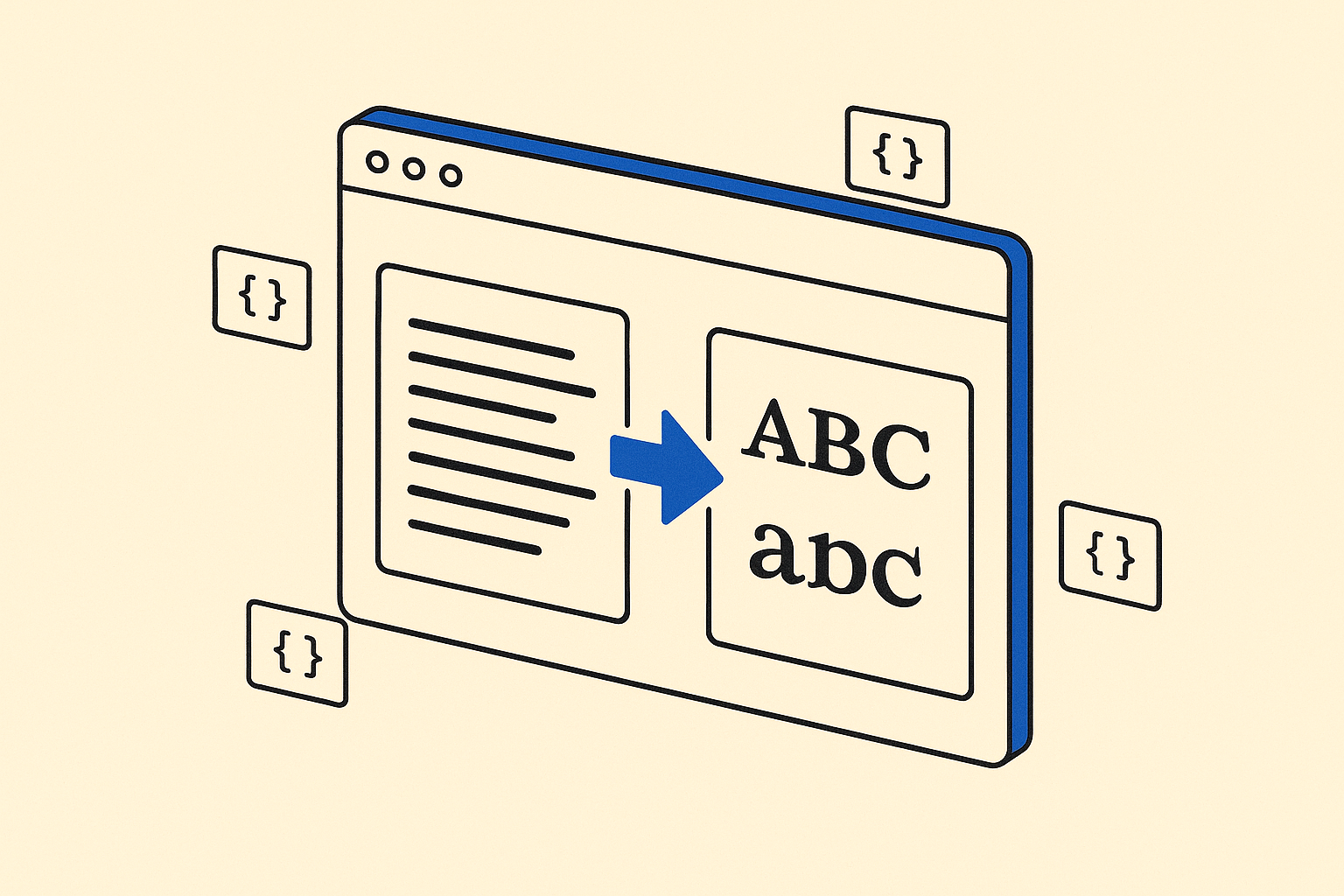
What font-display Actually Does
When a browser encounters a custom font, it has to decide what to show while that font file is still downloading. The font-display descriptor inside your @font-face rule controls that decision. Without it, browsers fall back to their own defaults, which vary enough to cause real headaches in production.
There are five possible values: auto, block, swap, fallback, and optional. Each one trades rendering speed against layout stability in a different way. This post focuses on swap, the value you see most often in performance audits and Google Fonts embed snippets.
The swap Timeline
font-display: swap gives the browser two phases.
First, a zero-length block period. The browser will not hide text at all. If the custom font hasn't arrived yet, it renders immediately in the fallback font.
Second, an infinite swap period. Once the custom font loads, no matter how late, the browser swaps it in and repaints the text.
The practical result: your visitors read words right away. They just might see a flash of a different typeface mid-session if the font arrives late.
Why Google Fonts Defaults to swap
Google's embed snippet adds &display=swap to the stylesheet URL automatically. That choice reflects a specific priority: text must be visible as fast as possible for Lighthouse and Core Web Vitals scoring. Invisible text hurts First Contentful Paint and triggers the "Ensure text remains visible during webfont load" audit.
swap passes that audit reliably. For most content sites, that is the right call.
The Real Cost: Cumulative Layout Shift
Here is where teams get tripped up. When the fallback font and the custom font differ significantly in metrics (x-height, line height, character width), the swap repaints text blocks at a different size. Lines wrap differently. Buttons resize. Content jumps.
That jump is measured by Cumulative Layout Shift (CLS), one of the Core Web Vitals. A careless swap implementation can fix one audit while breaking another.
The fix is to tune your fallback stack. Use size-adjust, ascent-override, descent-override, and line-gap-override inside a second @font-face block that targets the system fallback font. Matching metrics tightly enough keeps layout shift close to zero even before the custom font arrives.
@font-face {
 font-family: "Inter Fallback";
 src: local("Arial");
 ascent-override: 90%;
 descent-override: 22%;
 line-gap-override: 0%;
 size-adjust: 107%;
}
Then set your font-family stack to use Inter Fallback before the system generic:
body {
 font-family: Inter, "Inter Fallback", sans-serif;
}
For a concrete starting point, Inter is a widely used sans-serif that ships with well-documented fallback metric approximations for Arial. It is a good font to practice this technique on because the community has already done the measurement work.
When swap Is the Right Choice
Use swap for body text and UI copy where invisible text would feel broken. News articles, documentation, dashboards, e-commerce product descriptions, any surface where readable content is the core value proposition.
When swap Is the Wrong Choice
Avoid swap for icon fonts. If a glyph-based icon font swaps in late, your fallback characters are visible text labels or boxes, which is visually broken and potentially confusing.
Avoid it for brand logotype fonts that appear above the fold as large display text. A high-contrast swap in a hero heading is jarring. fallback or optional are better there because they limit the swap window to a short period and bail out if the font is simply too slow.
fallback vs optional vs swap, in Plain Terms
fallback gives a short block period (about 100ms) and a short swap period (about 3 seconds). After 3 seconds with no font, the browser commits to the fallback forever for that page load. Good compromise for above-fold display text.
optional gives a short block period and no swap period at all. The browser uses the font only if it is already cached. This eliminates layout shift entirely but means first-time visitors always see the fallback. Ideal for non-critical decorative fonts.
swap gives no block period and an unlimited swap period. Best for body text where reading must start immediately and a late-arriving swap is acceptable.
Preloading Alongside swap
Pairing font-display: swap with a <link rel="preload"> hint significantly reduces the window in which the swap occurs. Preload the font file directly:
<link
 rel="preload"
 href="/fonts/inter-variable.woff2"
 as="font"
 type="font/woff2"
 crossorigin
/>
When the font loads before the browser has finished painting text, no swap happens at all. The combination of preload and a tuned fallback is the most complete solution.
A Quick-Reference Rundown
- swap -- no block period, infinite swap window. Use for body text.
- fallback -- ~100ms block, ~3s swap window. Use for display headings.
- optional -- ~100ms block, no swap. Use for decorative or non-critical fonts.
- block -- ~3s block, infinite swap. Avoid unless the font is essential before any content shows.
- auto -- browser decides. Effectively
blockin most engines. Avoid.
The Short Version
font-display: swap solves the invisible-text problem. It does not automatically solve the layout-shift problem. Fix the latter with fallback metric overrides and a preload hint, and you end up with a setup that scores well on both FCP and CLS without compromising readability.
Frequently asked
Does font-display: swap hurt Core Web Vitals?
It helps First Contentful Paint by preventing invisible text, but it can hurt Cumulative Layout Shift if your fallback font and custom font have different metrics. Tuning fallback overrides with size-adjust and ascent-override minimizes the shift.
Should I use font-display: swap with variable fonts?
Yes, the descriptor works the same way regardless of whether the font is variable or static. Variable fonts are often larger files, so the swap window may be longer on slow connections, making a preload hint even more important.
Can I use font-display: swap with self-hosted fonts and Google Fonts?
Yes. For self-hosted fonts, add the descriptor directly inside your @font-face rule. For Google Fonts, append &display=swap to the stylesheet URL, which is what their UI already does by default.
What is the difference between font-display: swap and font-display: fallback?
swap has no block period and will swap the font in at any point during the page session. fallback has a short block period of about 100ms and only swaps if the font arrives within roughly 3 seconds. After that window, the fallback font is kept for the rest of the page load.
Does preloading a font remove the need for font-display: swap?
Not entirely. Preloading shrinks the window in which a swap could occur, but you still need the descriptor to define the browser behavior if the font hasn't arrived by first paint. Use both together for the best result.