font-face unicode-range: A Practical Guide
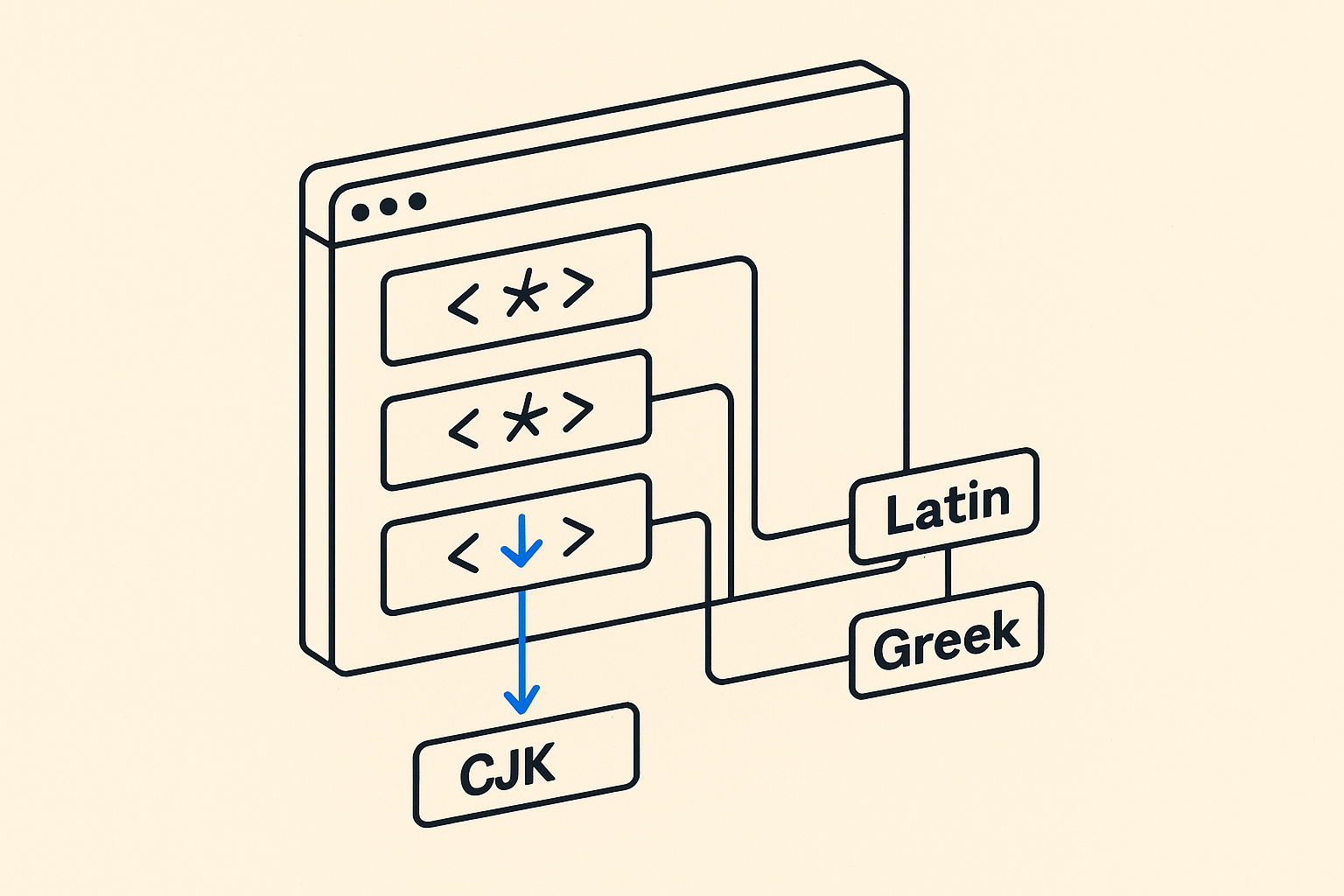
What unicode-range Actually Does
The unicode-range descriptor inside @font-face tells the browser which characters a font file is responsible for. If none of those characters appear on the page, the browser never downloads the font file. That single behavior is the reason this property exists.
Without it, a page loading a Latin font plus a separate Arabic font would fetch both files on every page load, even when the page contains only Latin text. With unicode-range, the browser inspects the rendered text first, then fetches only the files it needs.
This is not a selector. It does not filter which characters render from a file you already loaded. It controls the download decision.
The Syntax
A unicode-range value is one or more comma-separated Unicode ranges:
@font-face {
 font-family: 'MyFont';
 src: url('myfont-latin.woff2') format('woff2');
 unicode-range: U+0000-00FF;
}
You can write individual code points (U+0041), ranges (U+0041-005A), or wildcard ranges (U+004?). Most real implementations use explicit ranges or let tooling generate them.
A few common ranges worth knowing:
U+0000-00FFcovers Basic Latin and Latin-1 Supplement (most Western European languages).U+0100-024Fcovers Latin Extended-A and Extended-B.U+0370-03FFcovers Greek.U+0400-04FFcovers Cyrillic.U+4E00-9FFFis a large slice of CJK Unified Ideographs.
You are not locked to these. You can define any range that matches your content.
A Realistic Multi-Script Setup
Imagine a site serving English and Greek users from the same codebase. You want one font family name, but two files, and you want each user to download only what they need.
@font-face {
 font-family: 'SiteFont';
 font-weight: 400;
 src: url('sitefont-latin.woff2') format('woff2');
 unicode-range: U+0000-00FF, U+0131, U+0152-0153, U+02BB-02BC,
 U+02C6, U+02DA, U+02DC, U+2000-206F, U+2074,
 U+20AC, U+2122, U+2191, U+2193, U+2212, U+2215,
 U+FEFF, U+FFFD;
}

@font-face {
 font-family: 'SiteFont';
 font-weight: 400;
 src: url('sitefont-greek.woff2') format('woff2');
 unicode-range: U+0370-03FF;
}
Both blocks declare the same font-family and font-weight. The browser treats them as a single logical font. It checks the page text, sees which code points are present, and fetches accordingly. A page with only English text fetches only the Latin file.
Where This Matters Most
Variable fonts with subset splits. Variable fonts are larger than static fonts by nature. Splitting a variable font into script subsets using unicode-range keeps the initial payload reasonable for users who only need one script.
Icon fonts and symbol ranges. If you use a font for icon glyphs mapped to the Private Use Area (U+E000-F8FF), wrapping that in a tight unicode-range ensures the file loads only on pages that actually render those icons.
Large CJK fonts. CJK fonts can exceed 5MB. A page that uses CJK text only in one component should not force every visitor to download that file. unicode-range makes that conditional.
Using This with Inter and Open Sans
Inter ships from Google Fonts already split into subsets, each with its own unicode-range declaration. When you load Inter via the Google Fonts embed, you are not getting one file. You are getting a stylesheet full of @font-face blocks, each covering a different script. Browsers that serve Greek users fetch the Greek subset; browsers that serve Vietnamese users fetch the Vietnamese subset. This is not magic. It is unicode-range doing its job.
Open Sans follows the same pattern. The self-hosted version you download from the Google Fonts download page gives you separate files per subset, and the included CSS already contains the unicode-range declarations. If you strip those declarations when self-hosting, you lose the conditional loading behavior.
The practical advice: when self-hosting either font, keep the generated @font-face CSS intact. Do not collapse multiple subset blocks into one rule pointing at a single merged file unless you know your audience only needs one script. The splits are there for a reason.
Common Mistakes
Forgetting that the browser still uses system fallback for missing characters. If a character falls outside every unicode-range you declared, the browser falls through to the next font in the font-family stack. This is correct behavior, but it can surprise you if your ranges have gaps you did not intend.
Defining overlapping ranges across two files. If a code point appears in the unicode-range of two different @font-face blocks for the same family and weight, the browser picks one based on source order. It is not an error, but it is ambiguous and hard to debug.
Testing only in Chrome. Firefox and Safari handle unicode-range correctly, but subtle differences in how each engine handles combining characters and font matching can surface edge cases. Test all three before shipping a complex multi-script setup.
Using unicode-range with a single monolithic font file. If all your scripts are baked into one file with no subsets, adding unicode-range to that single @font-face rule will cause characters outside the range to fall back to the next stack font, even though your file supports them. Only use unicode-range when each block truly covers a distinct file.
Tooling That Generates unicode-range
Writing ranges by hand is error-prone for anything beyond Basic Latin. A few tools do this reliably. glyphanger (a Node CLI) analyzes your HTML or text files, finds the code points present, and outputs a unicode-range value and a subset font file in one step. pyftsubset from the fonttools Python package does similar work and is the underlying engine behind many web font pipeline tools.
If you are already using a build pipeline, consider automating subset generation rather than relying on CDN-served subsets. You get full control, predictable output, and no third-party dependency at load time.
The Performance Bottom Line
unicode-range is one of the few CSS properties where correct usage directly removes network requests. That is rare. Most performance work is about compressing or deferring resources. This one actually eliminates them for users who do not need them. If your site serves more than one script, or loads fonts with broad character coverage, unicode-range is not optional. It is the right way to declare multi-file font families.
Frequently asked
Does unicode-range affect which characters render, or only which files download?
Only which files download. If a character in your text falls inside the unicode-range of a font-face block, the browser fetches that file and uses it. If the character falls outside all declared ranges, the browser falls back to the next font in your font-family stack. unicode-range never suppresses rendering of a character that is already in a downloaded file.
What happens if I self-host a Google Font but delete the unicode-range declarations?
The browser loads all subset files unconditionally, because there is no range information to gate the downloads. For a font like Inter or Open Sans with many subsets, this can mean fetching several files when a single subset would have been enough. Keep the generated @font-face CSS intact when self-hosting.
Can I use unicode-range with variable fonts?
Yes, and it works the same way. Each @font-face block points to a different variable font file covering a different script range. The browser downloads only the files whose ranges match the page text. This is especially useful because variable font files tend to be larger than static font files.
How do I find the Unicode code points for the characters I need?
The Unicode character tables at unicode.org are the authoritative source. For practical work, tools like glyphanger or pyftsubset can analyze your actual content and output the exact ranges and subset files you need, which is more reliable than guessing ranges by hand.
Is unicode-range supported in all modern browsers?
Yes. Chrome, Firefox, Safari, and Edge have all supported unicode-range for many years. You do not need a fallback for any browser in active use today. The behavior is consistent enough across engines that it is safe to rely on in production.