Variable fonts vs static WOFF2: which is actually smaller?
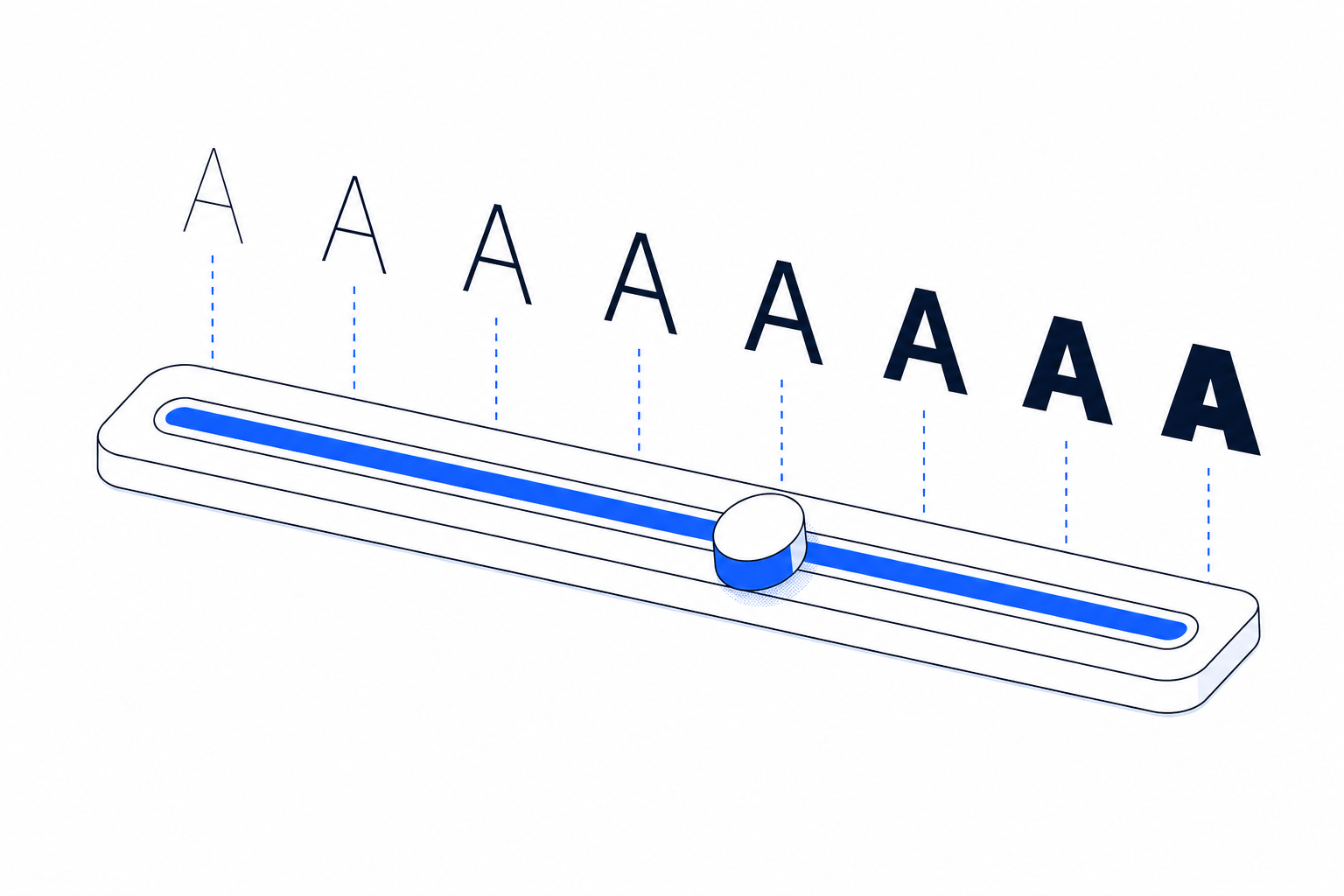
There's a marketing line you'll see everywhere: "variable fonts are smaller because they bundle every weight in one file." Sort of true. The full story is more interesting and the answer changes depending on how many weights you actually use.
This post benchmarks both approaches with real fonts from the library.
The setup
A variable font carries every interpolatable point along its axes. To go from Light to Bold, the font stores Light's outlines plus the deltas to reach Bold. With one axis (wght), that's manageable. With multiple axes (opsz, wdth, GRAD, wght), the axis data can balloon, Roboto Flex has 13 axes and ships at 1.7MB raw.
A static cut stores ONE specific weight as outlines, no axis data. Smaller per file, more files needed.
The size question depends on which side has more overhead.
Inter, variable wins easily
Inter ships as a single variable file with opsz and wght axes. After subsetting to Latin and instancing to wght-only:
| Format | Size | | --- | --- | | Inter Variable (wght only) | 44 KB | | Inter Regular static | 22 KB | | Inter Bold static | 22 KB | | Inter all 18 statics combined | ~390 KB |
If your site uses 3+ weights of Inter, the variable file is smaller AND simpler (one @font-face, not three). Below 3 weights, static is smaller but the difference is small.
Verdict: use Inter Variable for any site that uses Bold + Regular + one more weight.
Roboto Flex, instance before shipping
Roboto Flex is the extreme case. 13 axes including GRAD, XOPQ, XTRA, YOPQ, YTAS, YTDE, YTFI, YTLC, YTUC, opsz, slnt, wdth, wght. After subsetting to Latin:
| Format | Size | | --- | --- | | Roboto Flex full (all 13 axes) | 198 KB | | Roboto Flex instanced to wght+ital | 20 KB | | Roboto Regular static | 21 KB |
The full variable Roboto Flex is 10x bigger than static Roboto Regular. Almost no website uses more than wght+ital. The instanced variable matches a single static cut in size while still giving you smooth weight interpolation.
Verdict: ALWAYS instance multi-axis variable fonts down to the axes you actually need.
Fraunces, different tradeoff
Fraunces is a variable serif with opsz, wght, SOFT, WONK axes. It's a display + body family.
| Format | Size | | --- | --- | | Fraunces Variable (full) | 76 KB | | Fraunces instanced to wght | 22 KB | | Fraunces Regular static | 13 KB | | Fraunces all 9 statics combined | ~110 KB |
If you use Fraunces at multiple weights AND optical sizes, the full variable saves bytes. If you only use it at body sizes with 2-3 weights, static cuts win.
Verdict: depends on whether you change Fraunces's optical size at runtime. If yes, ship variable. If no, ship statics.
When variable definitively wins
- 4+ weights of the same family in regular use
- You animate the weight or width axis (e.g. weight goes up on hover)
- Single-axis variable fonts (wght only)
- Variable fonts authored as variable from the start (Inter, Geist), these have leaner axis data than retrofitted variable versions of older fonts
When static definitively wins
- You use only 1-2 weights
- The variable font has axes you don't need that you can't easily strip
- Caching strategy benefits from smaller per-file sizes (each weight cached independently)
- HTTP/1.1 servers (variable's single-file advantage matters less when HTTP/2 multiplexes static cuts)
The instancing trick
If the variable file you have ships with axes you don't need, you can strip them. fontTools instancer pins axes to default values and removes the axis data:
from fontTools.ttLib import TTFont
from fontTools.varLib.instancer import instantiateVariableFont

font = TTFont('RobotoFlex.ttf')
# Pin everything except wght and ital
to_pin = {a.axisTag: a.defaultValue for a in font['fvar'].axes
          if a.axisTag not in {'wght', 'ital'}}
font = instantiateVariableFont(font, to_pin)
font.flavor = 'woff2'
font.save('RobotoFlex-instanced.woff2')
Result: 198 KB → 20 KB. Same Latin glyphs, same weight axis, same italic axis, just stripped of GRAD and XOPQ and XTRA and the rest of the axes Roboto Flex includes by default.
This is what fontcompressor.com does to every variable font in the library automatically. Upload Roboto Flex, get back the 20KB version.
CSS for variable fonts
One @font-face block, the entire weight range:
@font-face {
  font-family: 'Inter';
  src: url('/fonts/inter-variable.woff2') format('woff2');
  font-weight: 100 900;
  font-style: normal;
  font-display: swap;
}

body {
  font-family: 'Inter', sans-serif;
  font-weight: 400;
}

h1 {
  font-weight: 700;  /* same file, just renders the Bold instance */
}
The browser interpolates along the weight axis at runtime. font-weight: 583 works and renders a real weight between Medium and SemiBold.
CSS for static cuts
Multiple @font-face blocks, one per weight you ship:
@font-face {
  font-family: 'Inter';
  src: url('/fonts/inter-regular.woff2') format('woff2');
  font-weight: 400;
  font-display: swap;
}

@font-face {
  font-family: 'Inter';
  src: url('/fonts/inter-bold.woff2') format('woff2');
  font-weight: 700;
  font-display: swap;
}
The browser only downloads the weight you actually use on the page (modern browsers do lazy-fetch per weight). If your homepage renders font-weight: 400 only, you don't pay for the Bold file.
This lazy-fetch behavior is the static-cut's hidden advantage on multi-page sites where different pages need different weights.
Quick recap
1. Variable wins when you use 3+ weights AND the font has 1-2 axes 2. Static wins when you use 1-2 weights OR the variable file has unused axes you can't strip 3. Always instance multi-axis variable fonts down to the axes you need before shipping 4. With HTTP/2, static cuts download in parallel and the per-file size is what matters more than total bytes 5. Don't trust the marketing line. Benchmark with your actual fonts and weight count
Browse the library for both formats: Inter Variable (one file, all weights), Geist (variable), Manrope (variable), Merriweather (variable). All instanced to wght+ital so you only download what you'll actually use.
Frequently asked
Is a variable font always smaller than multiple static cuts?
No. Variable fonts have overhead per axis. A variable font with just wght axis is usually smaller than 6+ static weights of the same family. But a variable font with opsz, wdth, GRAD, slnt etc. plus wght can be larger than 2-3 static cuts.
Should I use the variable file even if I only need one weight?
No. If you only need Bold, ship Bold-static.woff2. The variable file forces every visitor to download the data for all weights even when you'll only ever render one. Static is smaller and simpler.
How do I instance a variable font down to specific axes?
fontTools' instancer can pin axes you don't need to their default values. Pinning everything except wght+ital is the most common move. We do this automatically on fontcompressor.com.
Do variable fonts have worse browser support?
Not anymore. Every browser since Chrome 62, Safari 11, Firefox 62, and Edge 17 (released 2017-2018) supports variable fonts. The CSS for fallback is a one-line @supports check.