What Is Font Subsetting? A Plain-English Guide
The Problem With Shipping a Full Font File
A typical font file contains hundreds, sometimes thousands, of glyphs. Uppercase and lowercase Latin letters, numerals, punctuation, accented characters for a dozen European languages, currency symbols, arrows, mathematical operators, and more. When you ship that entire file to a visitor reading your English-language blog post, most of those glyphs will never render on screen. They are dead weight.
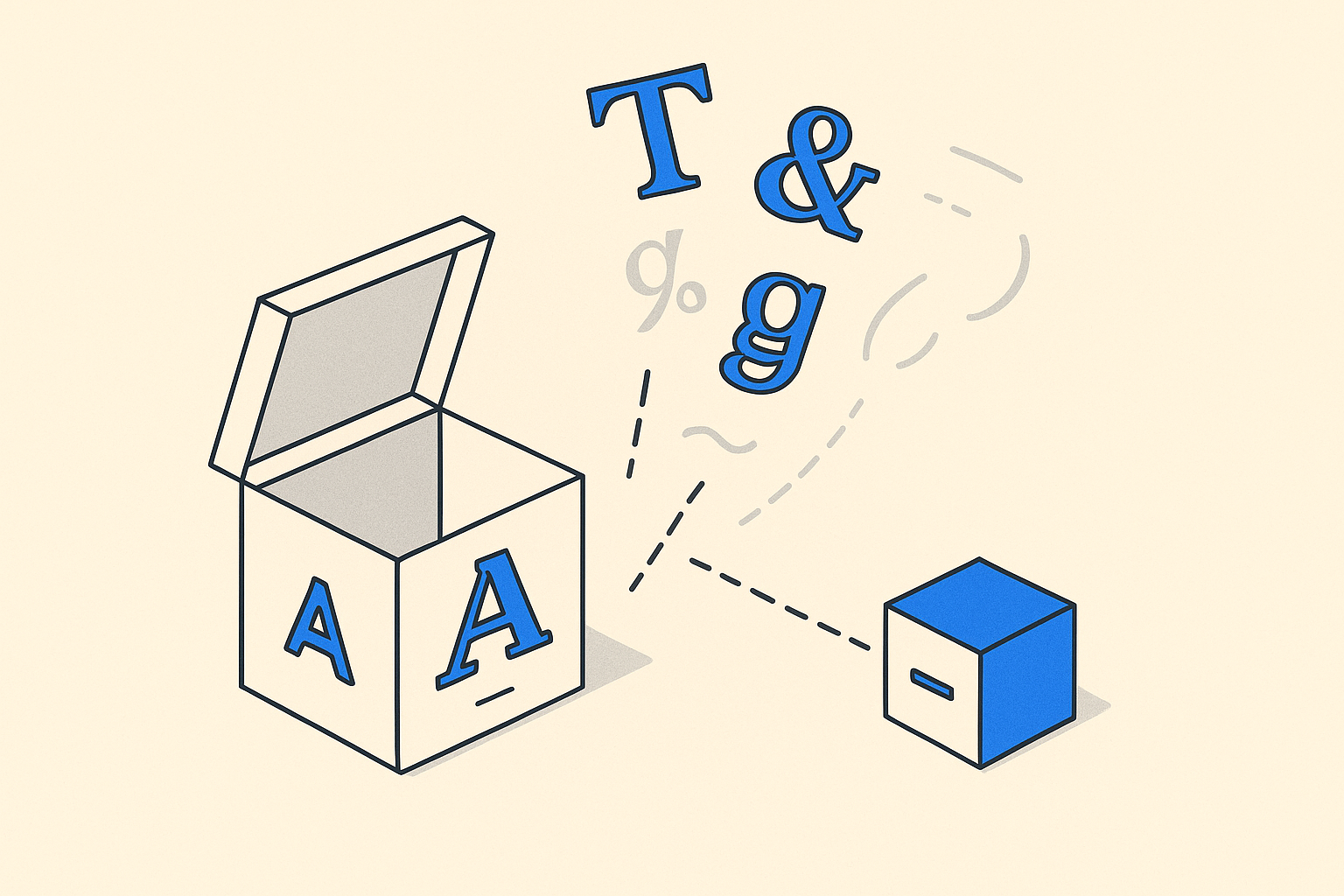
Font subsetting is the practice of stripping a font file down to only the characters your site actually uses. The result is a much smaller file, faster download, less render-blocking, and a better experience for everyone, especially on mobile connections.
How Subsetting Works
At a technical level, a font file (usually .woff2 today) is a structured binary container. It holds outlines for every glyph, kerning tables, hinting data, and metadata. A subsetting tool reads that container, identifies which glyph slots you want to keep, and writes a new file with everything else removed.
You tell the tool which characters to keep by providing a Unicode range, a sample text file, or an explicit list. Tools like pyftsubset (part of the fonttools Python library) or online services like Font Compressor handle this automatically. The output is a new .woff2 file that is structurally identical to the original except leaner.
The savings can be enormous. A variable font like Roboto Flex ships at over 800 KB in its full form. Subset to Basic Latin only and you can drop that to under 30 KB. That is not a rounding error. That is a complete page-weight problem solved.
What a Unicode Range Actually Means
When you see CSS like unicode-range: U+0000-00FF, that tells the browser which characters this particular font file covers. The browser only downloads the file if the page contains at least one character in that range. This is how Google Fonts splits a single typeface into many small files, one for Latin, one for Latin Extended, one for Cyrillic, and so on. Each file is a subset.
You can do the same thing manually. If your site is English-only, you need Basic Latin (U+0020-007E) and perhaps a handful of typographic extras like curly quotes and the ellipsis. Defining that range precisely means mobile visitors never fetch glyphs they cannot use.
When to Subset and When Not To
Subsetting is worth doing any time a font file crosses roughly 50 KB in your network tab and your character needs are predictable. An editorial site running Merriweather for long-form body text is a perfect candidate. The glyph needs are stable and largely Latin.
Subsetting gets complicated when your content is dynamic and multilingual. If a user-generated content platform might display Japanese, Arabic, and Greek all on the same page, subsetting to Basic Latin breaks those scripts. In that scenario, the right answer is to use the full file or to split into per-script subsets and lean on unicode-range to load only what the page needs.
For product interfaces that use Inter, subsetting is almost always a win. UI text is controlled. You know exactly which characters appear in labels, buttons, and navigation. A subset covering Basic Latin plus a few arrows and the ellipsis is usually sufficient, and the resulting file is tiny.
Subsetting Variable Fonts
Variable fonts add a wrinkle. They contain not just multiple weights but interpolation data across the entire design space. Subsetting the glyph set still works fine. The variation axes remain intact. But you can also subset the variation space itself, trimming the weight axis to the range you actually use. If your design only uses weights 400 and 700, removing intermediate master data shaves off additional kilobytes.
This is a more advanced operation, but tools like fonttools instancer handle it. The resulting file is both glyph-subsetted and axis-subsetted, which gives you the benefits of a variable font without the full payload.
Practical Checklist
Here is what the process looks like in practice:
- Audit your font files in the network tab. Note the transfer size of each.
- Identify the character set your site actually renders (crawl it or sample your templates).
- Run the font through a subsetter with that character list.
- Serve the output in
.woff2format with aunicode-rangedescriptor in your@font-facerule. - Verify in the network tab that the new file loads and that no replacement font flashes for missing characters.
That last step matters. If you subset too aggressively and a glyph goes missing, the browser falls back to the system font, creating an inconsistent mix. Always test with real content, not just your homepage.
The Bottom Line
Font subsetting is one of the highest-leverage optimizations available for web performance precisely because it requires almost no ongoing maintenance once set up. You do it once, you cut your font payload by 60 to 95 percent depending on the typeface, and the savings compound across every page load. If your fonts are not subsetted in 2026, that is a fixable problem that should move up the backlog.
Frequently asked
Does font subsetting affect the visual appearance of the font?
No. Subsetting only removes glyphs you are not using. The outlines, spacing, and rendering of every glyph you keep are identical to the original. The font looks exactly the same on screen.
What happens if a subsetted font is missing a character my page needs?
The browser falls back to the next font in your CSS font stack, which is usually a system font. This creates a visible inconsistency. The fix is to either widen your Unicode range or re-run the subsetter with the missing characters included.
Can I subset a font that is licensed for web use?
It depends on the license. Many open-source fonts (SIL OFL) explicitly allow subsetting. Some commercial licenses restrict modification. Always check the font's license terms before creating a subset and redistributing the file.
What is the difference between subsetting and compression?
Subsetting removes glyphs from the font file itself, reducing the actual data. Compression (like gzip or Brotli) encodes whatever data remains more efficiently during transfer. They solve different problems and work well together. You should subset first, then serve the result with Brotli compression.
Is font subsetting worth doing if I am already using a CDN like Google Fonts?
Google Fonts already subsets by script (Latin, Cyrillic, etc.) and serves optimized woff2 files. However, it cannot know exactly which characters your specific page uses. Self-hosting with a custom subset can trim the file further and removes a third-party network dependency.